
This post may contain affiliate links. If you click on one of my affiliate links and make a purchase, I may receive a commission for referring you. This in no way affects your price. Please know that I only recommend resources and items I believe in and highly recommend. You can read my full disclosure statement here.
As a homeschool mom, staying organized is crucial to ensuring a smooth and successful learning experience for you and your children. Balancing lesson plans, materials, schedules, and daily tasks can feel overwhelming, but you can maintain an organized and efficient homeschooling environment with the right tools and methods. Here’s a rundown of my favorite organization tools and processes that have helped me keep everything in order, and hopefully, they’ll be just as beneficial for you!

Digital Planners and Calendars
Tool: Google Calendar / Microsoft Outlook / Cozi Family Organizer
A digital calendar is invaluable for scheduling and keeping track of homeschooling activities, appointments, and deadlines. These tools allow you to set reminders, share calendars with family members, and make real-time updates. I use Google Calendar to create a detailed schedule for our daily and weekly activities, including lesson plans, extracurriculars, and family events.
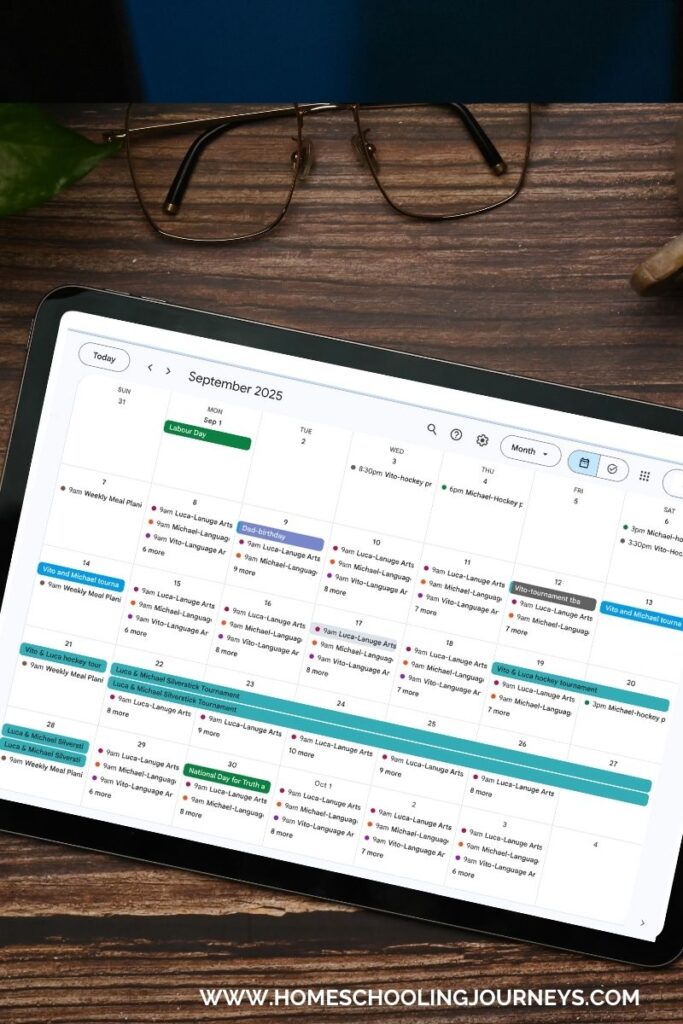
Tip: Color-code different types of activities (e.g., red for appointments, blue for homeschooling, green for family events) to easily differentiate them at a glance.
Homeschool Planning Binders
Tool: 3-Ring Binders / Planner Notebooks
A well-organized planning binder is essential for keeping track of lesson plans, student records, and important documents. I use a series of 3-ring binders, each dedicated to a specific area such as lesson plans, student work samples, and administrative paperwork.
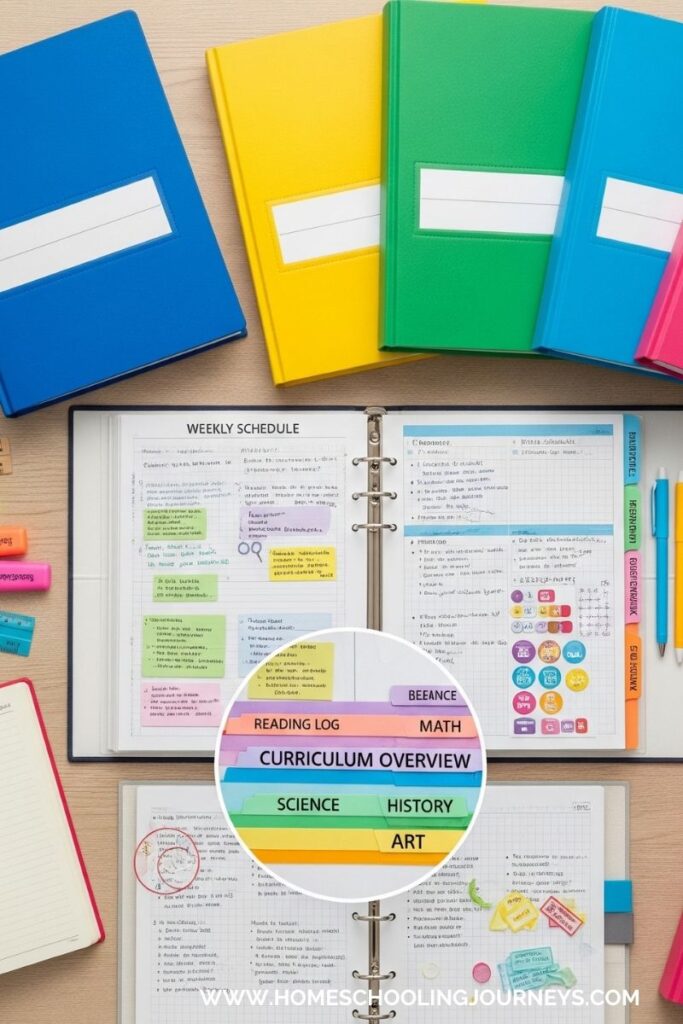
Tip: Use dividers and sheet protectors to organize different sections within each binder. This not only keeps everything neat but also makes it easy to find what you need quickly.
Lesson Planning Apps
Tool: Planbook / Homeschool Helper / Evernote
Lesson planning apps help streamline the creation and organization of your daily and weekly lesson plans. These tools often include features like drag-and-drop scheduling, templates, and the ability to track student progress.
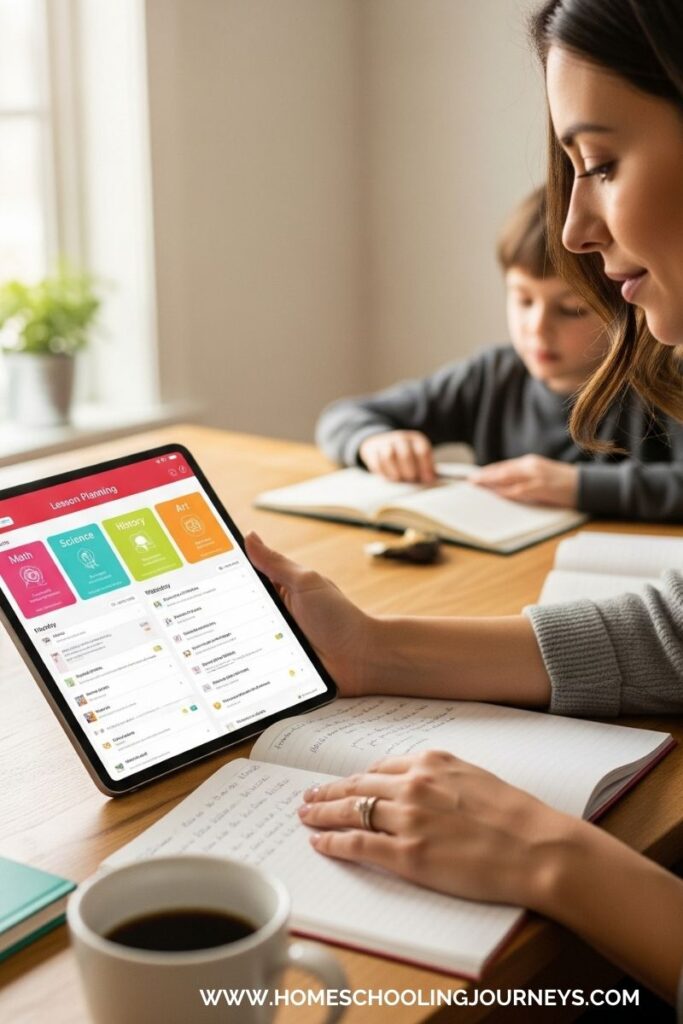
Tip: Use templates and pre-made lesson plans to save time. Customizing these templates to fit your unique curriculum can help you stay on track and organized.
Storage Solutions for Educational Materials
Tool: Clear Plastic Bins / Rolling Carts / Drawer Organizers
Organizing and making educational materials accessible is vital to a smooth homeschooling experience. I use clear plastic bins to store textbooks, workbooks, and craft supplies. Rolling carts with multiple drawers are great for organizing art supplies and other small items.
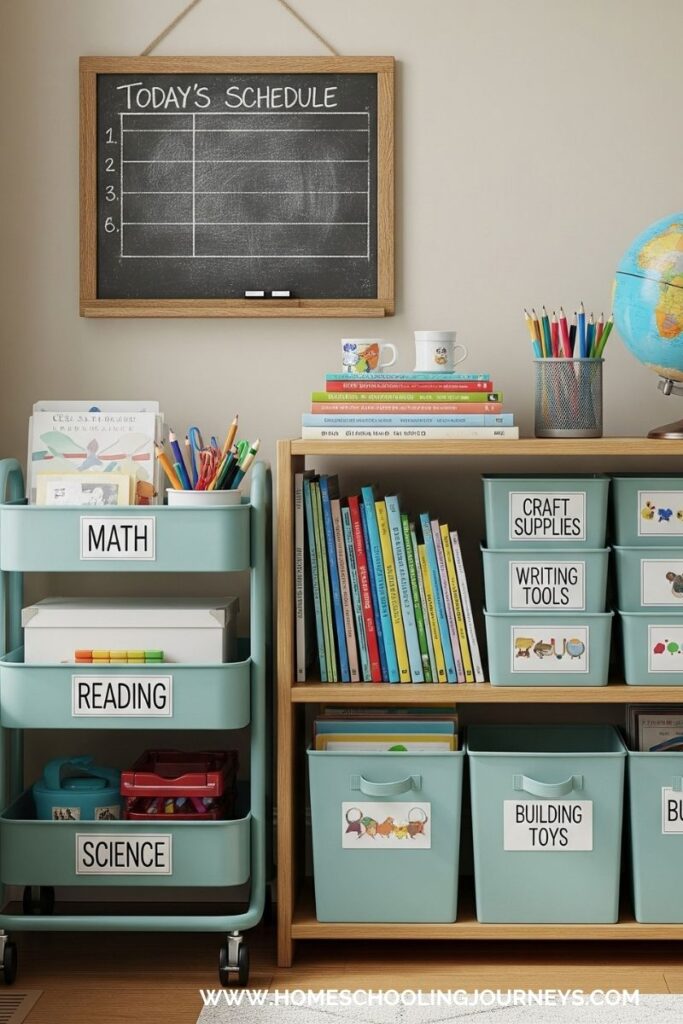
Tip: Label each bin or drawer with its contents to make finding and putting away materials quick and easy. A label maker or printable labels can keep everything looking tidy.
Student Work Folders
Tool: File Folders / Expandable Folders / Digital Storage
Organize each child’s work and assignments using individual folders. I use expandable folders to keep track of completed tasks, graded work, and ongoing projects. Tools like Google Drive or Dropbox can store and organize digital assignments and resources for digital organization.
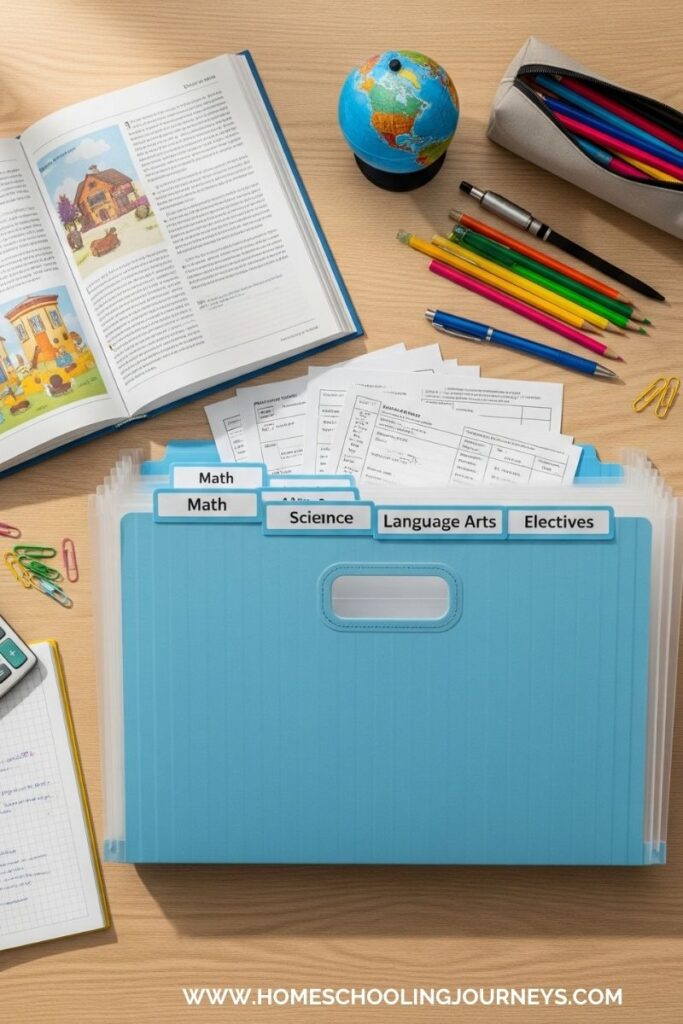
Tip: Keep a separate folder for each subject or project. At the end of each term or year, review and archive work samples to track progress over time.
Weekly and Monthly Planning Sheets
Tool: Printable Planners / Weekly Planning Sheets / Monthly Overview Charts
Weekly and monthly planning sheets help you visualize and plan your homeschooling activities in a broader context. I use printable planners to outline our monthly goals and weekly objectives, which allows me to stay focused on what needs to be accomplished.

Tip: Use these sheets to plan major projects, field trips, and assessments in advance. This long-term view ensures you stay on top of important dates and deadlines.
Student Schedules and Routine Charts
Tool: Visual Schedules / Routine Charts / Timers
To help keep the day on track, visual schedules and routine charts can be very effective. I create charts that outline the daily schedule, including times for lessons, breaks, and extracurricular activities. Using timers can also help maintain focus and manage transitions between tasks.
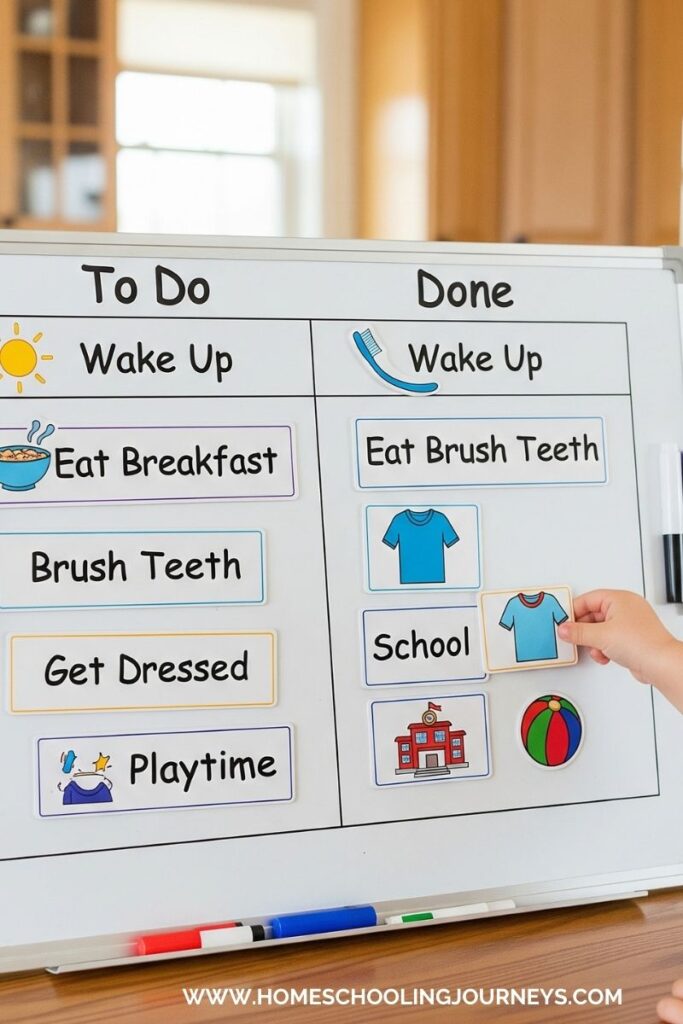
Tip: To encourage your children’s engagement, make schedules and charts visually appealing and age-appropriate. Consider using magnetic or dry-erase boards for easy updates.
Homeschool Expense Tracking
Tool: Expense Tracking Apps / Budgeting Software / Spreadsheets
Keeping track of homeschool-related expenses is important for budgeting and planning. I use budgeting software or expense-tracking apps to monitor spending on supplies, curriculum, and extracurricular activities.
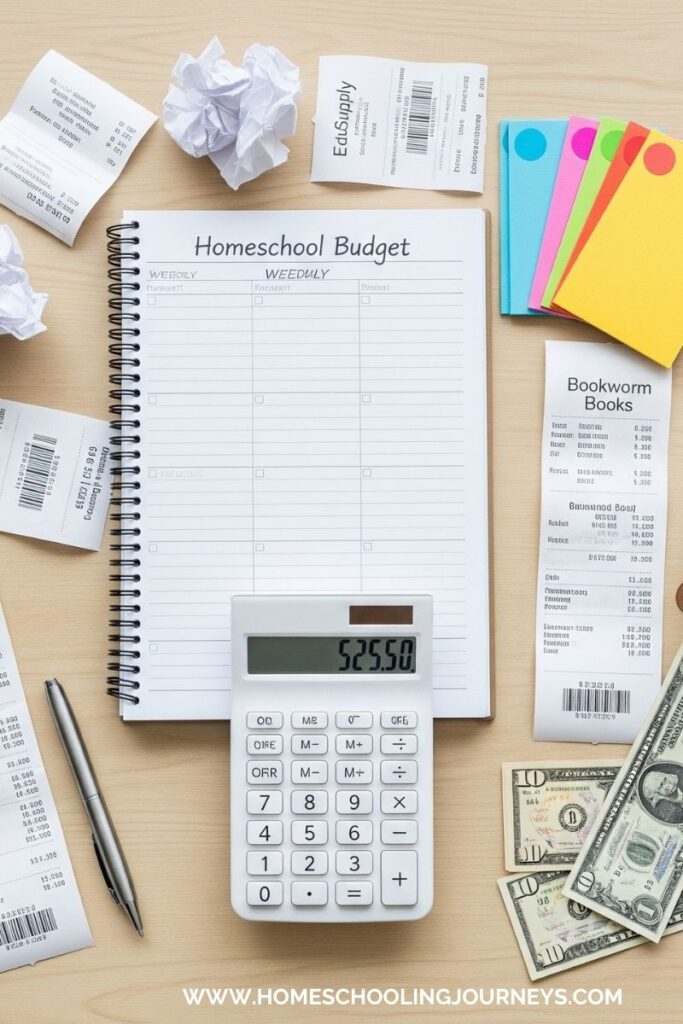
Tip: Maintain a simple spreadsheet or use an app to categorize expenses and keep receipts organized. Review your budget regularly to ensure you’re staying within your planned limits.
Parent and Student Communication Tools
Tool: Communication Apps / Parent-Teacher Journals / Email
Effective communication between parents and students is essential for a successful homeschool experience. I use communication apps or maintain a parent-teacher journal to document progress, concerns, and notes. Regular email updates also help keep everyone informed.
Tip: Schedule regular check-ins with your children to discuss their progress and any challenges they’re facing. Keeping open lines of communication ensures a supportive learning environment.
Personal Organization Tools
Tool: To-Do List Apps / Personal Planners / Time Management Tools
Managing your tasks and responsibilities is as important as organizing your homeschool materials. I use to-do list apps and personal planners to track my responsibilities, from meal planning to personal appointments.
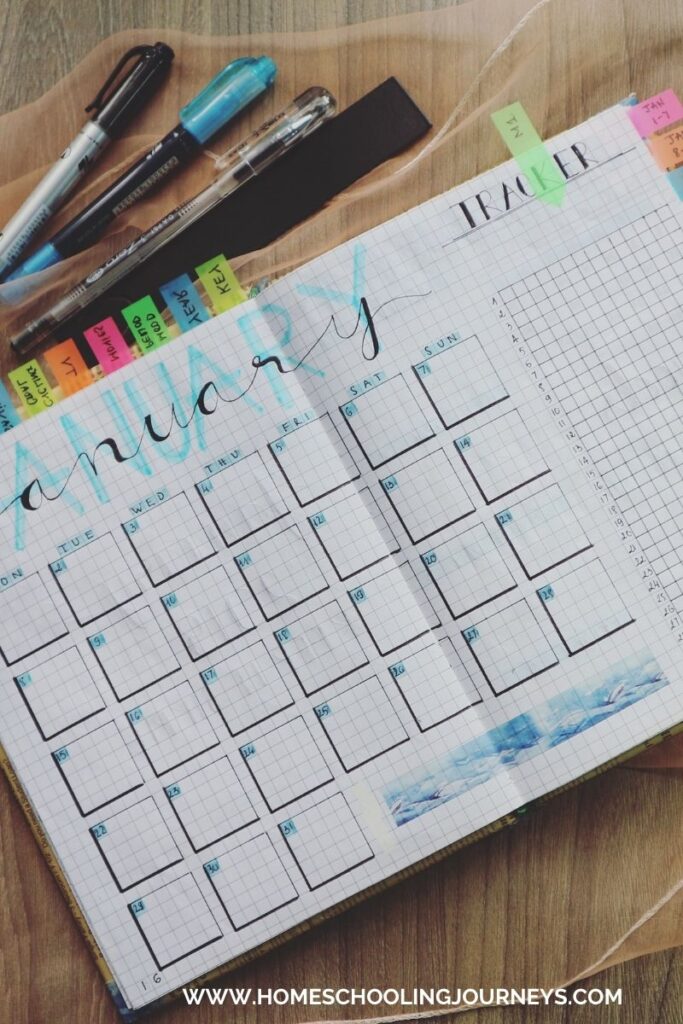
Tip: Set aside dedicated time each week for personal organization and planning. This will help you stay on top of your homeschooling duties and personal commitments.
Maintaining an organized homeschool environment doesn’t have to be overwhelming. By incorporating these tools and methods, you can create a structured and efficient system that supports both you and your children. Whether using digital planners, organizing educational materials, or tracking expenses, the key is finding a system that works best for your family’s unique needs.
Leave a Reply